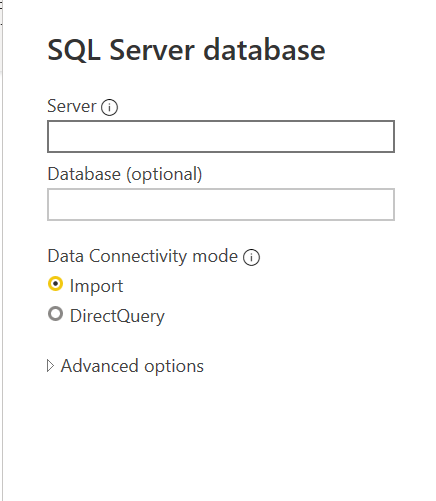
Data connectivity mode of Power BI: Import VS DirectQuery
Hi everyone
This is the first blog of my study for Power BI.
We can connect to all kinds of data sources when using Power BI Desktop.
There are three ways for us to chose.
- Import
- DirectQuery
- Connect live
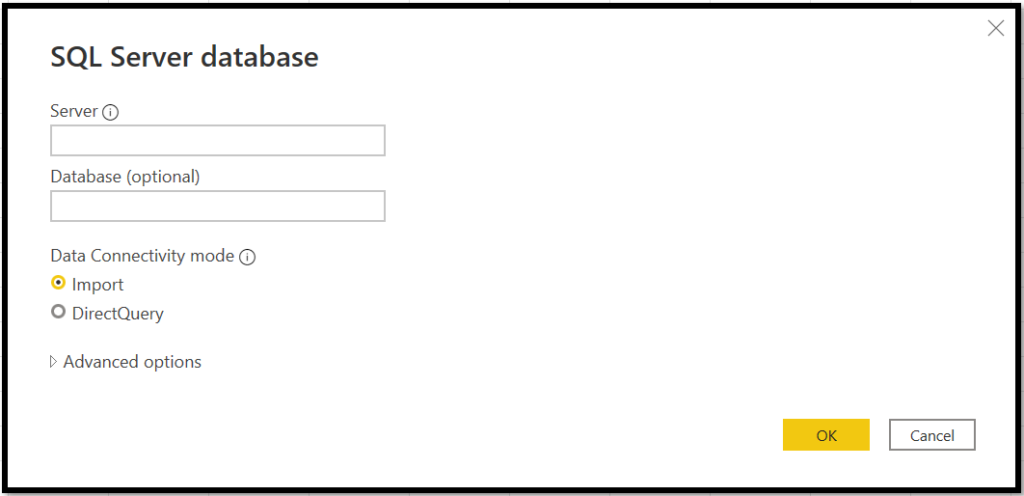
Importing Data
Importing data into Power BI is the most common way to get data. When you import data, you load a copy of it into Power BI. So the imported data consume the disk space and RAM of your development machine. Once you publish your report to a server, the imported data consume the disk space and RAM of the server to which you publish your report. The implication of this is that you can not load more data into Power BI than your hardware allows.
Importing takes advantage of the high-performance query engine of Power BI, and provides a highly interactive and fully-featured experience.
DirectQuery
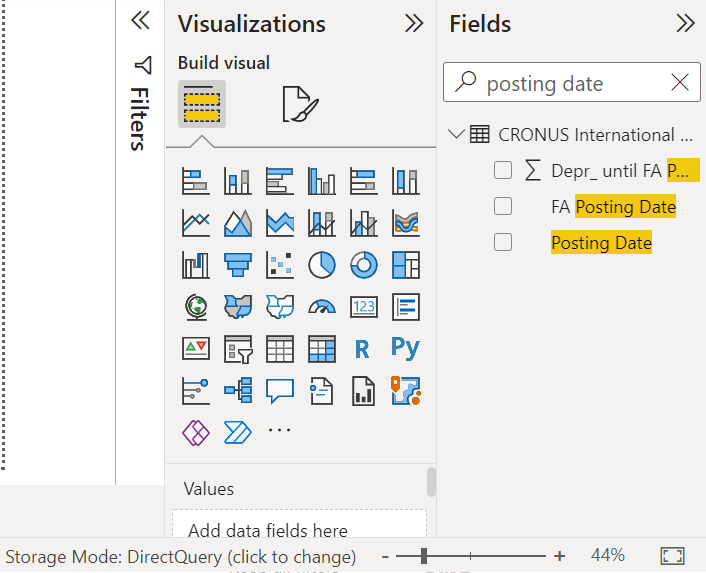
When you use the DirectQuery method, you are not loading any data into Power BI. All the data remains in the data source, except for metadata.
When using DirectQuery, the report performance depends on the underlying source hardware.
When is DirectQuery useful?
- when data is changing frequently, and near real-time reporting is needed. Using DirectQuery means that opening or refreshing a report or dashboard always shows the latest data in the source.
- If the data is very large, it wouldn’t be feasible to import it all. DirectQuery requires no large transfer of data, because it’s queried in place.
- DirectQuery allows for a report viewer’s credentials to be passed through to the underlying source and security rules to be applied there.
- Some organizations have policies around data sovereignty, meaning that data can’t leave the organization premises. A solution based on import would clearly present issues. By contrast, with DirectQuery that data remains in the underlying source.
- The source is a multidimensional source containing measures, such as SAP BW.
Implications of using DirectQuery
- When using DirectQuery, the overall experience depends very much on the performance of the underlying data source.
- there are limitations in the data transformations that can be applied within Power Query Editor. If you use a transformation that is too complex, you receive an error that either it must be deleted or the model switched to import.
- some modeling capabilities aren’t available or are limited when using DirectQuery.
- No built-in date hierarchy
- Date/time support only to the second accuracy
- Calculated columns are limited to being intra-row, as in, they can only refer to values of other columns of the same table, without the use of any aggregate functions.
- When in DirectQuery mode, it’s not possible to use the family of DAX PATH() functions that generally handle Parent-Child structures, such as chart of accounts, or employee hierarchies.
Live Connection
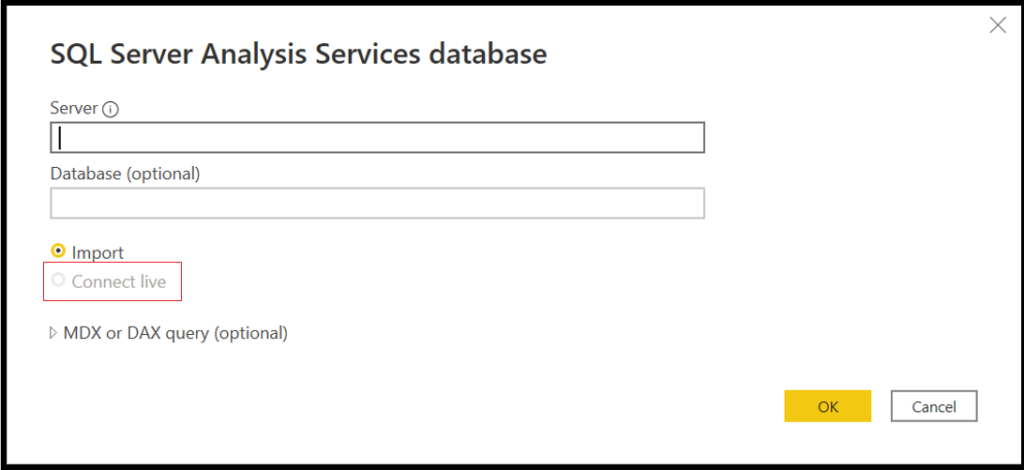
When connecting to SQL Server Analysis Services, there’s an option to either import data from or connect live to, the selected data model. If you use import, you define a query against that external SQL Server Analysis Services source, and the data is imported as normal. If you use connect live, there’s no query defined, and the entire external model is shown in the field list. For live connections, the identity of the user opening the report is always passed to the underlying SQL Server Analysis Services source.
Summary
Follow best practices for using import versus DirectQuery:
- You should import data to Power BI wherever possible. Importing takes advantage of the high performance query engine of Power BI, and provides a highly interactive and fully featured experience.
- If your goals can’t be met by importing data, consider using DirectQuery. For example, if the data is changing frequently and reports must reflect the latest data, DirectQuery may be best. However, using DirectQuery is only feasible when the underlying data source can provide interactive queries, less than 5 seconds for the typical aggregate query, and can handle the query load that will be generated. Additionally, the list of limitations for the use of DirectQuery should be considered carefully.
- When connecting to SQL Server Analysis Services, there’s an option to use connect live.
Thank you very much. see you next article.
Zhangyi
コメント